Random database/dataframe generator
Authored and maintained by Dr. Tirthajyoti Sarkar, Fremont, USA
Introduction
Often, beginners in SQL or data science struggle with the matter of easy access to a large sample database file (.DB or .sqlite) for practicing SQL commands. Would it not be great to have a simple tool or library to generate a large database with multiple tables, filled with data of one's own choice?
After all, databases break every now and then and it is safest to practice with a randomly generated one :-)

While it is easy to generate random numbers or simple words for Pandas or dataframe operation learning, it is often non-trivial to generate full data tables with meaningful yet random entries of most commonly encountered fields in the world of database, such as
- name,
- age,
- birthday,
- credit card number,
- SSN,
- email id,
- physical address,
- company name,
- job title,
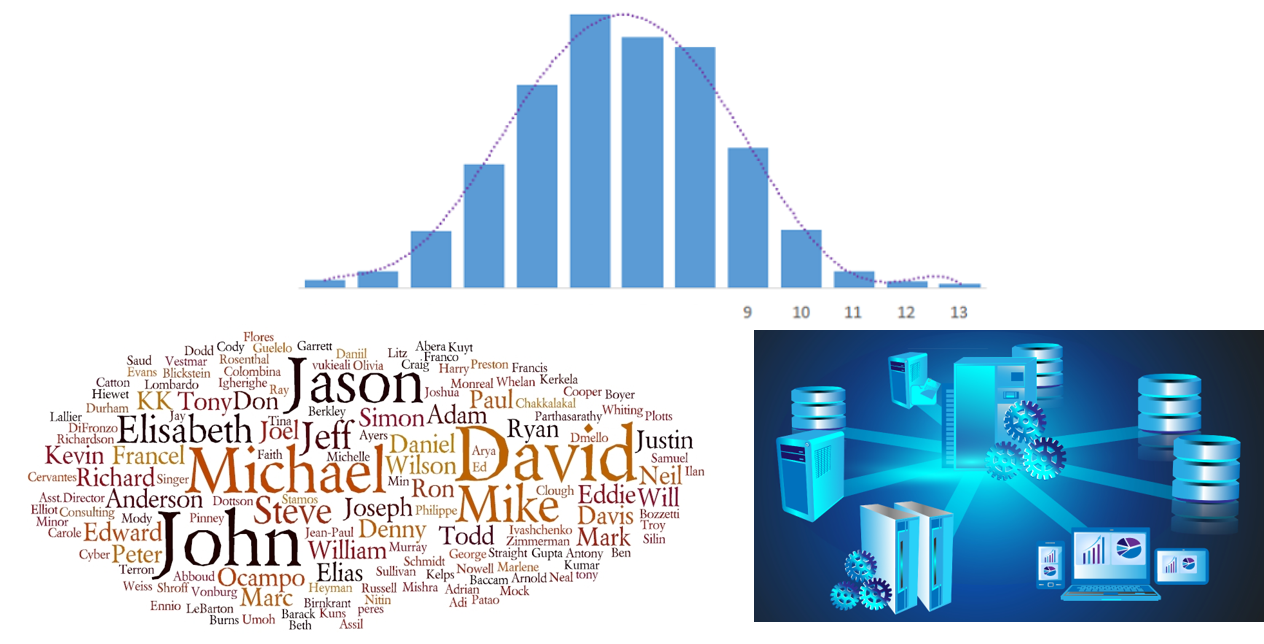
This Python package generates a random database TABLE (or a Pandas dataframe, or an Excel file) based on user's choice of data types (database fields). User can specify the number of samples needed. One can also designate a "PRIMARY KEY" for the database table. Finally, the TABLE is inserted into a new or existing database file of user's choice.
Dependency and Acknowledgement
At its core, pydbgen uses Faker as the default random data generating engine for most of the data types. Original function is written for few data types such as realistic email and license plate. Also the default phone number generated by Faker is free-format and does not correspond to US 10 digit format. Therefore, a simple phone number data type is introduced in pydbgen. The original contribution of pydbgen is to take the single data-generating function from Faker and use it cleverly to generate Pandas data series or dataframe or SQLite database tables as per the specification of the user. Here is the link if you want to look up more about Faker package,
Installation
(On Linux and Windows) You can use pip to install pydbgen:
pip install pydbgen
(On Mac OS), first install pip,
curl https://bootstrap.pypa.io/get-pip.py -o get-pip.py
python get-pip.py
Then proceed as above.
Usage
Current version (1.0.0) of pydbgen comes with the following primary methods,
gen_data_series()gen_dataframe()gen_table()gen_excel()
The gen_table() method allows you to build a database with as many tables as you want, filled with random data and fields of your choice. But first, you have to create an object of pydb class:
myDB = pydbgen.pydb()
gen_data_series()
Returns a Pandas series object with the desired number of entries and data type. Data types available:
- Name, country, city, real (US) cities, US state, zipcode, latitude, longitude
- Month, weekday, year, time, date
- Personal email, official email, SSN
- Company, Job title, phone number, license plate
Phone number can be of two types:
phone_number_simplegenerates 10 digit US number in xxx-xxx-xxxx formatphone_number_fullmay generate an international number with different format
Code example:
se=myDB.gen_data_series(data_type='date')
print(se)

0    1995-08-09
1    2001-08-01
2    1980-06-26
3    2018-02-18
4    1972-10-12
5    1983-11-12
6    1975-09-04
7    1970-11-01
8    1978-03-23
9    1976-06-03
dtype: object
gen_dataframe()
Generates a Pandas dataframe filled with random entries. User can specify the number of rows and data type of the fields/columns.
- Name, country, city, real (US) cities, US state, zipcode, latitude, longitude
- Month, weekday, year, time, date
- Personal email, official email, SSN
- Company, Job title, phone number, license plate
Customization choices are following:
real_email: IfTrueand if a person's name is also included in the fields, a realistic email will be generated corresponding to the name of the person. For example,Tirtha Sarkarname with this choice enabled, will generate emails like[email protected]or[email protected].real_city: IfTrue, a real US city's name will be picked up from a list (included as a text data file with the installation package). Otherwise, a fictitious city name will be generated.phone_simple: IfTrue, a 10 digit US number in the format xxx-xxx-xxxx will be generated. Otherwise, an international number with different format may be returned.
Code example:
testdf=myDB.gen_dataframe(
25,fields=['name','city','phone',
'license_plate','email'],
real_email=True,phone_simple=True
)
gen_table()
Attempts to create a table in a database (.db) file using Python's built-in SQLite engine. User can specify various data types to be included as database table fields.
All data types (fields) in the SQLite table will be of VARCHAR type. Data types available:
- Name, country, city, real (US) cities, US state, zipcode, latitude, longitude
- Month, weekday, year, time, date
- Personal email, official email, SSN
- Company, Job title, phone number, license plate
Customization choices are following:
real_email: IfTrueand if a person's name is also included in the fields, a realistic email will be generated corresponding to the name of the person. For example,Tirtha Sarkarname with this choice enabled, will generate emails like[email protected]or[email protected].real_city: IfTrue, a real US city's name will be picked up from a list (included as a text data file with the installation package). Otherwise, a fictitious city name will be generated.phone_simple: IfTrue, a 10 digit US number in the format xxx-xxx-xxxx will be generated. Otherwise, an international number with different format may be returned.db_file: Name of the database where theTABLEwill be created or updated. Default database name will be chosen if not specified by user.table_name: Name of the table, to be chosen by user. Default table name will be chosen if not specified by user.primarykey: User can choose a PRIMARY KEY from among the various fields. If nothing specified, the first data field will be made PRIMARY KEY. If user chooses a field, which is not in the specified list, an error will be thrown and no table will be generated.
Code example:
myDB.gen_table(
20,fields=['name','city','job_title','phone','company','email'],
db_file='TestDB.db',table_name='People',
primarykey='name',real_city=False
)
gen_excel()
Attempts to create an Excel file using Pandas excel_writer function. User can specify various data types to be included. All data types (fields) in the Excel file will be of text type. Data types available:
- Name, country, city, real (US) cities, US state, zipcode, latitude, longitude
- Month, weekday, year, time, date
- Personal email, official email, SSN
- Company, Job title, phone number, license plate
Customization choices are following:
real_email: IfTrueand if a person's name is also included in the fields, a realistic email will be generated corresponding to the name of the person. For example,Tirtha Sarkarname with this choice enabled, will generate emails like[email protected]or[email protected].real_city: IfTrue, a real US city's name will be picked up from a list (included as a text data file with the installation package). Otherwise, a fictitious city name will be generated.phone_simple: IfTrue, a 10 digit US number in the format xxx-xxx-xxxx will be generated. Otherwise, an international number with different format may be returned.filename: Name of the Excel file to be created or updated. Default file name will be chosen if not specified by user.
Code example:
myDB.gen_excel(15,fields=['name','year','email','license_plate'],
        filename='TestExcel.xlsx',real_email=True)
Other auxiliary methods available
Few other auxiliary functions available in this package.
Realistic email with a given name as seed:
for _ in range(10):
print(myDB.realistic_email('Tirtha Sarkar'))

[email protected]
[email protected]
[email protected]
[email protected]
[email protected]
[email protected]
[email protected]
Tirtha.[email protected]
[email protected]
[email protected]
License plate in few different style (1,2, or 3):
for _ in range(10):
    print(myDB.license_plate())

    1OAG936
    LTZ-6460
    ODQ-846
    8KNW713
    MFX-8256
    6WMH396
    OQX-2780
    OOD-124
    RXY-8865
    JZV-3326

 193 Nov 29, 2022
 527 Dec 04, 2022
 13 Mar 31, 2022
 102 Dec 30, 2022
 1 Jan 23, 2022
 8 Dec 22, 2022
 2 Apr 07, 2022
 447 Dec 25, 2022
 6 Sep 07, 2022
 1 Apr 12, 2022
 7 Oct 28, 2021
 1 Jan 16, 2022
 18 Nov 28, 2022
 527 Jan 02, 2023
 40 Oct 27, 2022
 1 Dec 06, 2021
 2 Nov 18, 2021
 1 Nov 08, 2021
 1 Oct 22, 2021
 2 Sep 27, 2022