A dashboard for Raspberry Pi to display environmental weather data, rain radar, weather forecast, etc. written in Python

Overview

Weather Clock for Raspberry PI

This project is a dashboard for Raspberry Pi to display environmental weather data, rain radar, weather forecast, etc. on a connected LCD written in Python. The data is collected from local MQTT broker and also from Internet services.

drawing

Display

I used a 7inch IPS display with 1024x600 hardware resolution and HDMI input, which has a low power consumption of only 1-2 Watt which is predestinated for 24/7 operation. An RCWL-0516 doppler radar microwave motion sensor module is used to switch off the backlight when no motion has been detected for the last 10 minutes. This is for saving energy when nobody is in the room to watch the dashboard. The backlight is switched on automatically when motion is detected.

https://www.waveshare.com/wiki/7inch_HDMI_LCD

Raspberry PI

I use the Raspberry Pi Zero WH which has enough performance, a low power consumption and an HDMI connector. Also it is possible to connect it directly to the backside of the Waveshare display. Only a mini-HDMI (type C) to normal-HDMI (type A) cable is required. The whole system (RPI + display) can be powered over the USB connector and consumes in total a maximum of 4 Watt.

Software on the Raspberry PI

  • Use a 16Gbyte SD card and install Raspberry Pi OS on it
  • Configure graphics driver and resolution as described on https://www.waveshare.com/wiki/7inch_HDMI_LCD
  • Configure a static IP within your WiFi network
  • Activate SSH for remote configuration, SW update and maintainance

Install following packages used by the Python program:

  • pip install python3-utils
  • sudo apt-get install python3-pil python3-pil.imagetk
  • sudo apt-get install python3-pip -y
  • sudo pip3 install paho-mqtt

Weather Clock configuration

Please change following variables according to your location. The value for xmin and ymin can be determined with https://oms.wff.ch/calc.htm for a specific zoom level.

  • longitude = "8.900"
  • latiude = "48.800"
  • timezone = "Europe/Berlin"
  • zoom = 12
  • xmin = 2148
  • ymin = 1409

Please change following variables according to your MQTT settings:

  • mqtt_user = "*********"
  • mqtt_password = "***************"
  • mqtt_broker_address = "192.168.xxx.xxx"
  • mqtt_port = 1883
  • mqtt_topic_pressure = "/483fdabaceba/pressure"
  • mqtt_topic_outtemperature = "/483fdabaceba/temperature"
  • mqtt_topic_outhumidity = "/483fdabaceba/humidity"
  • mqtt_topic_intemperature = "/483fdabaceba/temperature"
  • mqtt_topic_inhumidity = "/483fdabaceba/humidity"

Internet services used

The program

Execute the program with: python3 ./weatherclock_rpi.py

You might also like...
An open source operating system designed primarily for the Raspberry Pi Pico, written entirely in MicroPython

PycOS An open source operating system designed primarily for the Raspberry Pi Pico, written entirely in MicroPython. "PycOS" is an combination of the

CO2Ampel - This RaspberryPi project uses weather data to estimate the share of renewable energy in the power grid

CO2Ampel This RaspberryPi project uses weather data to estimate the share of ren

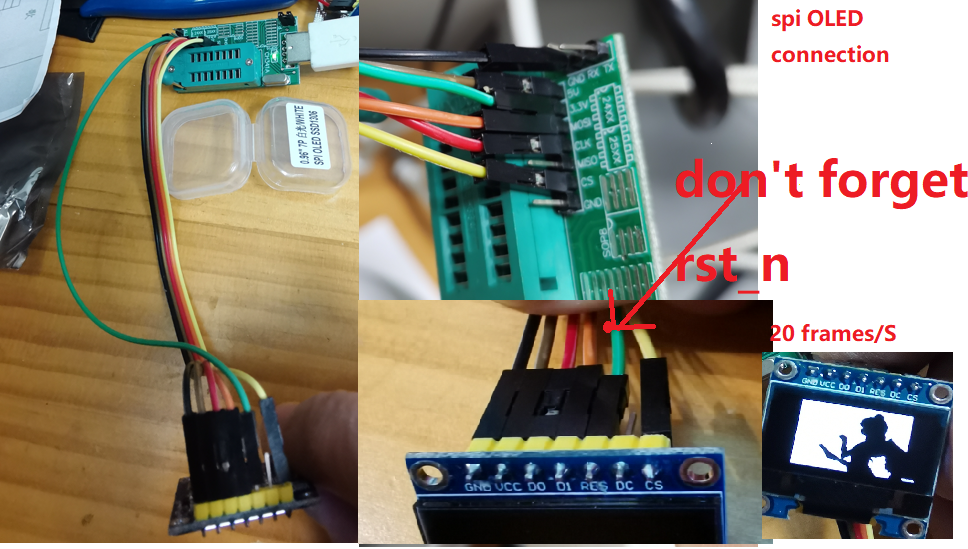
A ch341dll Wrap is for using in Python 32bits windows  to access I2C SPI and MDIO (by GPIO), and Demo with display PC sreen on OLED by i2c or SPI .
A ch341dll Wrap is for using in Python 32bits windows to access I2C SPI and MDIO (by GPIO), and Demo with display PC sreen on OLED by i2c or SPI .

ch341dll_wrap_typcal_app A ch341dll Wrap is for using in Python 32bits windows to access I2C SPI and MDIO (by GPIO). In addition, I provided 3 Demo. I

Python information display framework aimed at e-ink devices

My display, using a Raspberry Pi Zero W and Waveshare 6" e-paper hat infodisplay Modular information display framework aimed at e-ink devices. Built u

Python application, displaying currently played track from Spotify on OLED display connected via I2C

RaspberryPi Spotify OLED Display This application will display currently played track on SSD1306 OLED display connected to RaspberryPi. Displayed stuf

A Python class for controlling the Pimoroni RGB Keypad for Raspberry Pi Pico

rgbkeypad A Python class for controlling the Pimoroni RGB Keypad for the Raspberry Pi Pico. Compatible with MicroPython and CircuitPython. keypad = RG

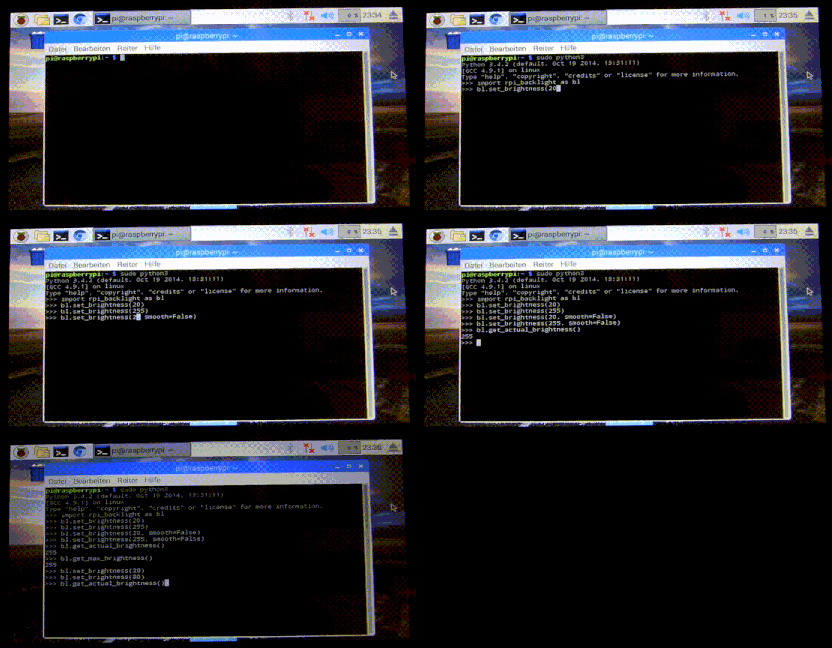
🔆 A Python module for controlling power and brightness of the official Raspberry Pi 7

rpi-backlight A Python module for controlling power and brightness of the official Raspberry Pi 7" touch display. Note: This GIF was created using the

Home solar infrastructure (with Peimar Inverter) monitoring based on Raspberry Pi 3 B+ using Grafana, InfluxDB, Custom Python Collector and Shelly EM.

raspberry-solar-mon Home solar infrastructure (with Peimar Inverter) monitoring based on Raspberry Pi 3 B+ using Grafana, InfluxDB, Custom Python Coll

A PYTHON Library for Controlling Motors using SOLO Motor Controllers with RASPBERRY PI, Linux, windows, and more!

A PYTHON Library for Controlling Motors using SOLO Motor Controllers with RASPBERRY PI, Linux, windows, and more!

Releases(v1.0.0)
  • v1.0.0(May 1, 2022)

Owner
Markus Geiger
SW developer
Markus Geiger
A PYTHON Library for Controlling Motors using SOLO Motor Controllers with RASPBERRY PI, Linux, windows, and more!

A PYTHON Library for Controlling Motors using SOLO Motor Controllers with RASPBERRY PI, Linux, windows, and more!

SOLO Motor Controllers 3 Apr 29, 2022
raspberry pi servo control using pca9685

RPi_servo-control_pca9685 raspberry pi 180° servo control using pca9685 Requirements Requires you to have the adafruit servokit library installed You

1 Jan 10, 2022
Интеграция Home Assistant с ЛК "Интер РАО"

ЕЛК ЖКХ «Интер РАО» для Home Assistant Предоставление информации о текущем состоянии ваших аккаунтов в ЕЛК ЖКХ. Введение @ TODO @ Установка Посредство

Alexander Ryazanov 27 Nov 05, 2022
Python Client for ESPHome native API. Used by Home Assistant.

aioesphomeapi aioesphomeapi allows you to interact with devices flashed with ESPHome. Installation The module is available from the Python Package Ind

ESPHome 76 Jan 04, 2023
Open source home automation that puts local control and privacy first.

Home Assistant Open source home automation that puts local control and privacy first. Powered by a worldwide community of tinkerers and DIY enthusiast

Home Assistant 57k Jan 01, 2023
A Home Assistant sensor that tells you what holiday is next

Next Holiday Sensor This sensor tells you what holiday is coming up next. You can use it to set holiday light colors or other scenes. The state of the

Nick Touran 20 Dec 04, 2022
从零开始打造一个智能家居系统

SweetHome 从零开始打造智能家居系统的尝试,主要的实现有 可以扫码添加设备并控制设备的Android App 可以控制亮灭的灯,并可以设置在Android App连接到指定Wifi后自动亮起 可以控制开关的窗帘,机械结构部分自己设计并3D打印出来 树莓派主控,实现Http请求接口和ZigBe

金榜 5 May 01, 2022
E-Ink Magic Calendar that automatically syncs to Google Calendar and runs off a battery powered Raspberry Pi Zero

E-Ink Magic Calendar that automatically syncs to Google Calendar and runs off a battery powered Raspberry Pi Zero

2.8k Dec 30, 2022
Python application, displaying currently played track from Spotify on OLED display connected via I2C

RaspberryPi Spotify OLED Display This application will display currently played track on SSD1306 OLED display connected to RaspberryPi. Displayed stuf

Wojciech Olech 2 Dec 30, 2021
Example code to sending USB Gadget multimedia keys via Python

Send Multimedia USB HID Keys via Python As an USB Gadget in Linux This gives a simple script with zero dependencies that can easily run on any Linux d

DevOps Nirvana 2 Jan 02, 2023
Hourglass on the pi pico using circuitpython

hourglass-on-pico "Hourglass" on the raspberry pi pico using circuitpython circuitpython version 7.0.0 Components used: Raspberry Pi Pico ADXL345 acce

4 Jul 18, 2022
Create a low powered, renewable generation forecast display with a Raspberry Pi Zero & Inky wHAT.

GB Renewable Forecast Display This Raspberry Pi powered eInk display aims to give you a quick way to time your home energy usage to help balance the g

Andy Brace 32 Jul 02, 2022
Examples to accompany the

Examples to accompany the "Raspberry Pi Pico Python SDK" book published by Raspberry Pi Trading, which forms part of the technical documentation in support of Raspberry Pi Pico and the MicroPython po

Raspberry Pi 589 Jan 08, 2023
Jarvis: a personal assistant which can help you to manage your system

Jarvis Jarvis is personal AI based assistant which can help you to manage stuff in your computer. This is demo but I decided to make it more better so

2 Jun 02, 2022
Vvim - Keyboardless Vim interactions

This is done via a hardware glove that the user wears. The glove detects the finger's positions and translates them into key presses. It's currently a work in progress.

Boyd Kane 8 Nov 17, 2022
A low power 1U Raspberry Pi cluster server for inexpensive colocation.

Raspberry Pi 1U Server There are server colocation providers that allow hosting a 1U server for as low as $30/month, but there's a catch: There are re

Paul Brown 627 Dec 31, 2022
circuitpython version of PyBasic for microcontrollers

cPyBasic Circuitpython version of PyBasic for microcontrollers Current version work only for Adafruit titano & CardKB for now. The origninal PyBasic w

BeBoXoS 3 Nov 14, 2021
DOS-like OS for RP2040 basic microcontroller boards

Micropython DOS-like OS for RP2040 microcontroller boards. Check out the demo video at https://www.youtube.com/watch?v=Az_oiq8GE4Y To start the OS typ

RetiredWizard 58 Dec 27, 2022
Automate gate/garage door opening via 433.92MHz emitter with Raspberry Pi, Home Assistant and Homekit.

Automate opening your garage door / gate Summary This project sums up how I automated opening my garage door using a Raspberry PI, a 433Mhz emitter, H

Julien Fouilhé 29 Nov 30, 2022
OctoPrint is the snappy web interface for your 3D printer!

OctoPrint OctoPrint provides a snappy web interface for controlling consumer 3D printers. It is Free Software and released under the GNU Affero Genera

OctoPrint 7.1k Jan 03, 2023